
Set a watercolor phone wallpaper as your home screen background with a pretty design and a monthly calendar for 2024.

Disclosure: This blog contains affiliate links. As an Amazon Associate and member of other affiliate programs, Keri Houchin earns a commission from qualifying purchases at no additional cost to you.
My desktop wallpaper organizer is super popular and readers have been asking for a mobile phone version for a while. I finally got around to making one in 2022 and it has been updated with dates for 2024!
If you haven’t grabbed the new desktop wallpaper calendars, be sure to get them after you organize your phone.

This set of mobile wallpapers is a pretty way to update your phone background each month. I designed these myself on my iPad and there’s a different one for each month of the year.
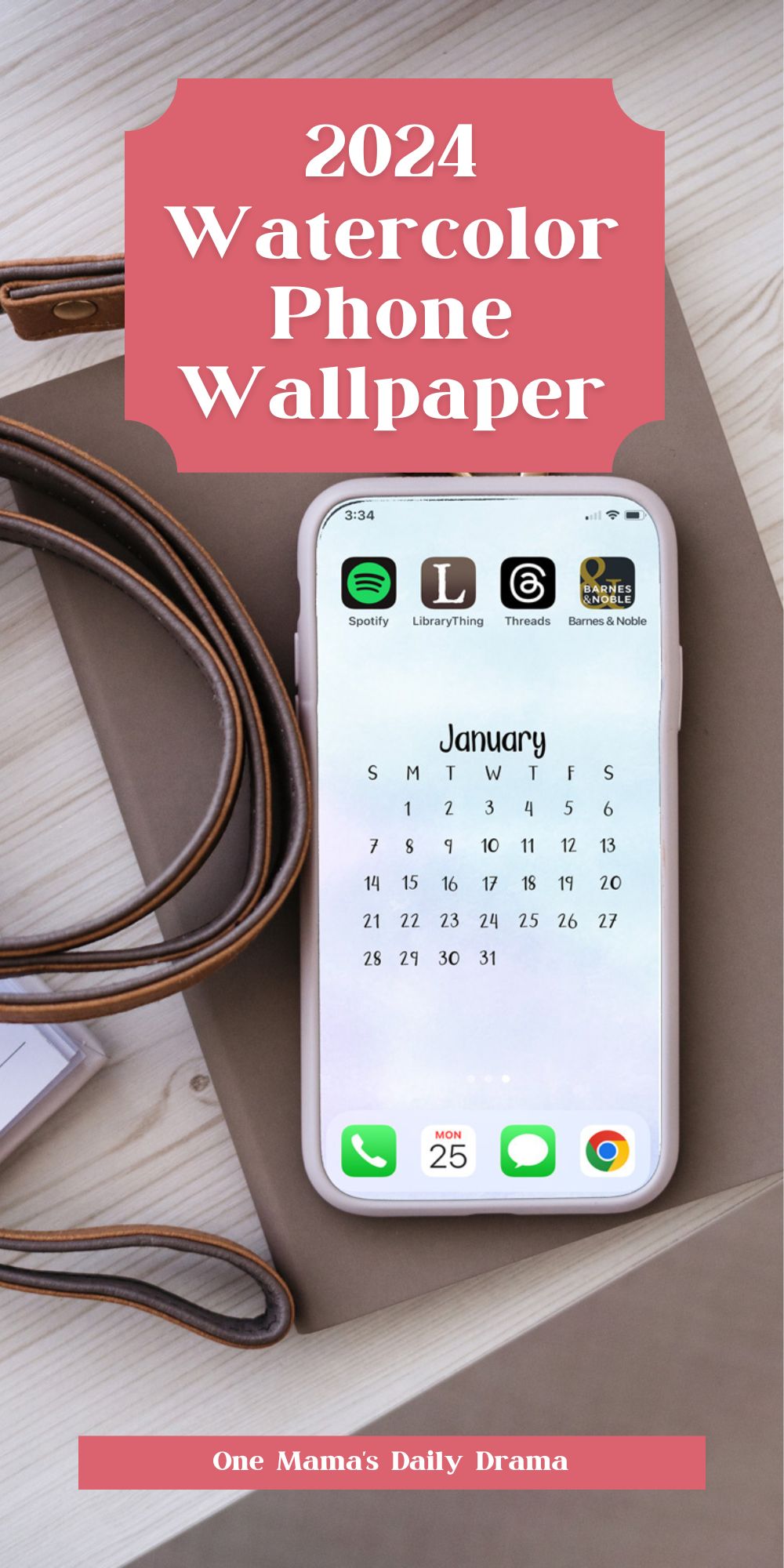
There’s a monthly calendar in the center of each one, so you should be able to sort your apps and folders to fit in about 3 rows above the calendar and one below it. There are a zillion phone models out there, so it’s impossible to know if this will fit all of them – but it should work for most.

How to organize your phone screen
Change the background image each month for a new calendar – and a reminder to sort through your apps and declutter your screen.
If you have plenty of memory, it’s easy to let your phone fill up with stuff you don’t actually need anymore. I recommend taking a few minutes to declutter your phone each month when you swap out the wallpaper.
I more or less do what my friend Marissa from Squirrels of a Feather does in this organizing video tutorial.
Things you can probably delete:
- apps you haven’t used in a few months
- files that automatically download when you click an email attachment
- screenshots/photos you took to remember something once (like the brand of shampoo your teen uses or the gas pump total when it didn’t print a receipt)
- anything time-sensitive that has passed (like school field trip info for last month)
- automated texts (all those Walmart grocery confirmations)
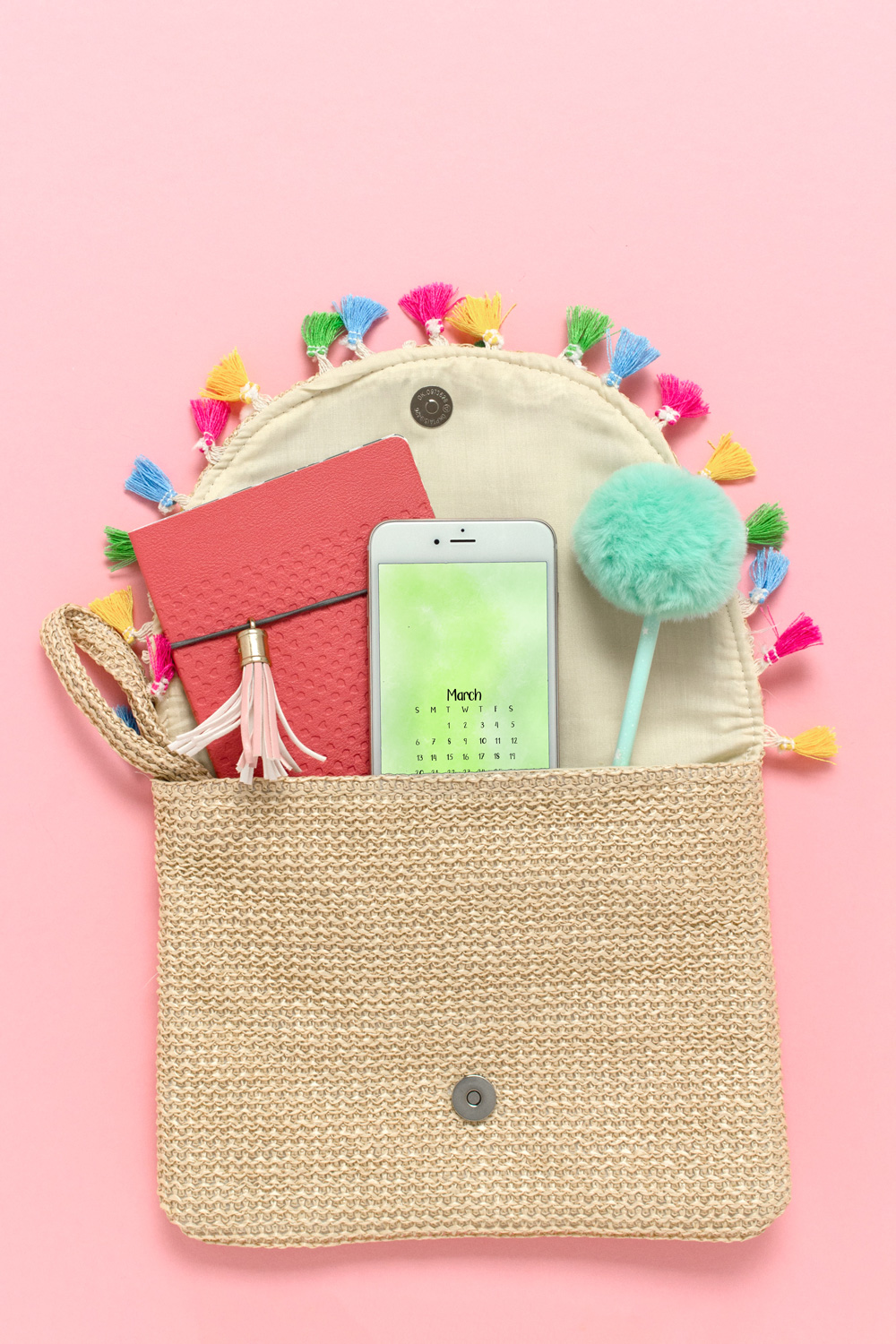
Using the digital download
There are 12 files in all. The files are PNG, so you can just set them as the wallpaper on your phone. These can be used for the background or the lock screen for Androids, iPhones, and others.
On my iPhone, I open the image in my photo library and then click the share button. From there I select use as wallpaper and it lets me preview it so I can scale the image to fit the screen.
When I click set, it asks if I want to set the lock screen, home screen, or both.
Each image is scaled at 9:16, so it should work on all vertical devices. Your phone should automatically scale it to fit, so I’ve left plenty of margins so nothing is cut off the edges.
How to get the calendars
You can download the 2024 phone wallpaper from the Keri Houchin Design Shop.
The price for this download by itself is pay-what-you-can, so you’ll need to type in the amount you think is fair. Your support keeps this site running and updated regularly. Thanks!
There are 2 ways to get this printable:
1. Pay what you can! To download for free, type $0 in the fair price box. Enter your email address to get instant access and also have it sent to your inbox. If you enjoy my printables, please consider a $3-5 payment to help me keep making them.
2. Join The Printables Library for a one-time fee that gives you access to all current and future printables! If you’re already a member, you can find this file there now.
Can’t see the Gumroad form below? Unsure how to print? For troubleshooting tips and frequently asked questions, read the Printables FAQ Help Guide.
What’s next? Try these other fun and creative ideas on One Mama’s Daily Drama:
Leave a Reply